Power and Data Runs Done Right for TVs and Monitors
Updating a space with new TVs or monitors sounds simple enough - until you're dealing with cables dangling down the wall, no outlet in the right spot, and a Wi-Fi signal that cuts out right when you need it. That's exactly the kind of situation we step in to fix.
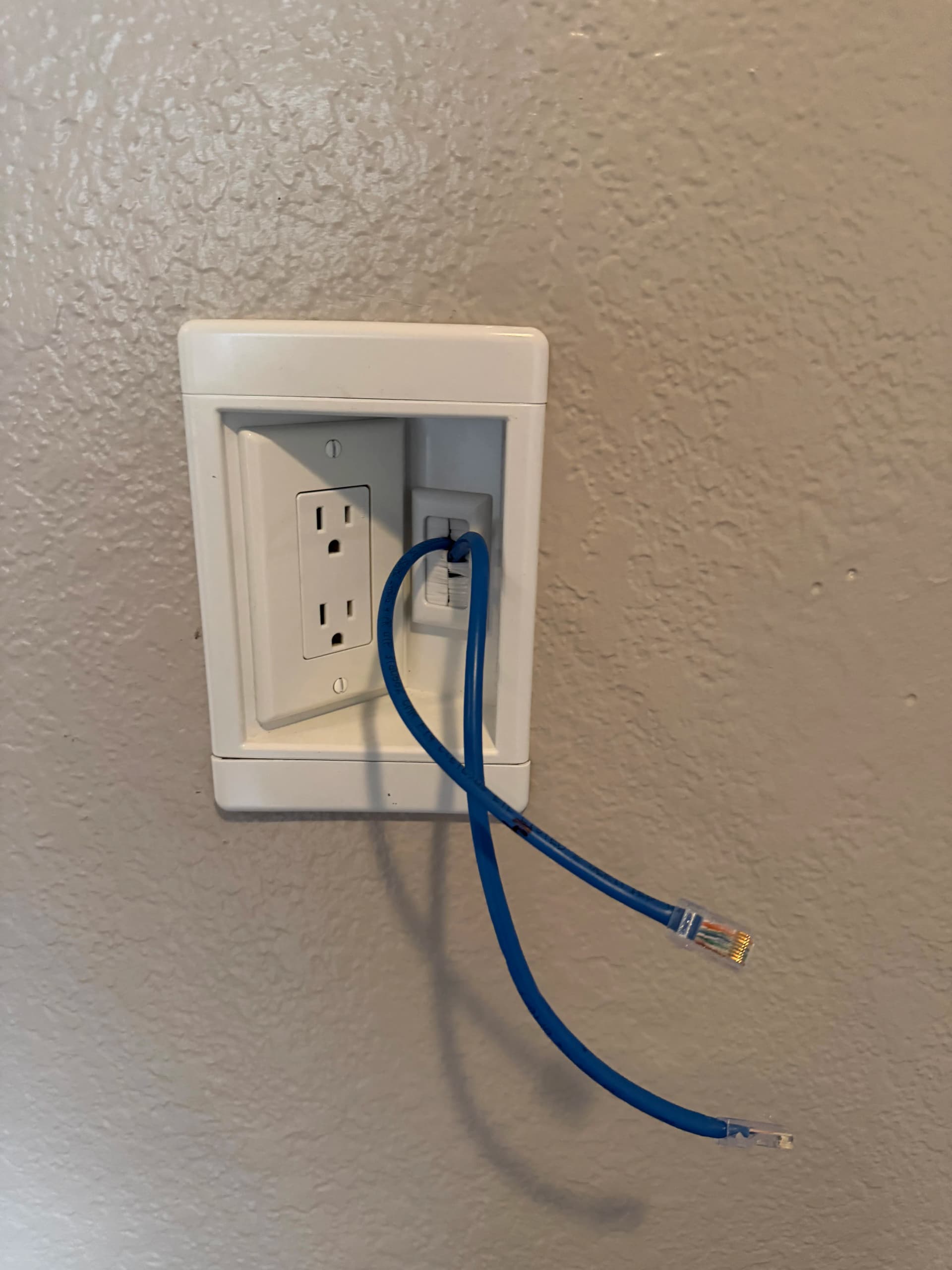
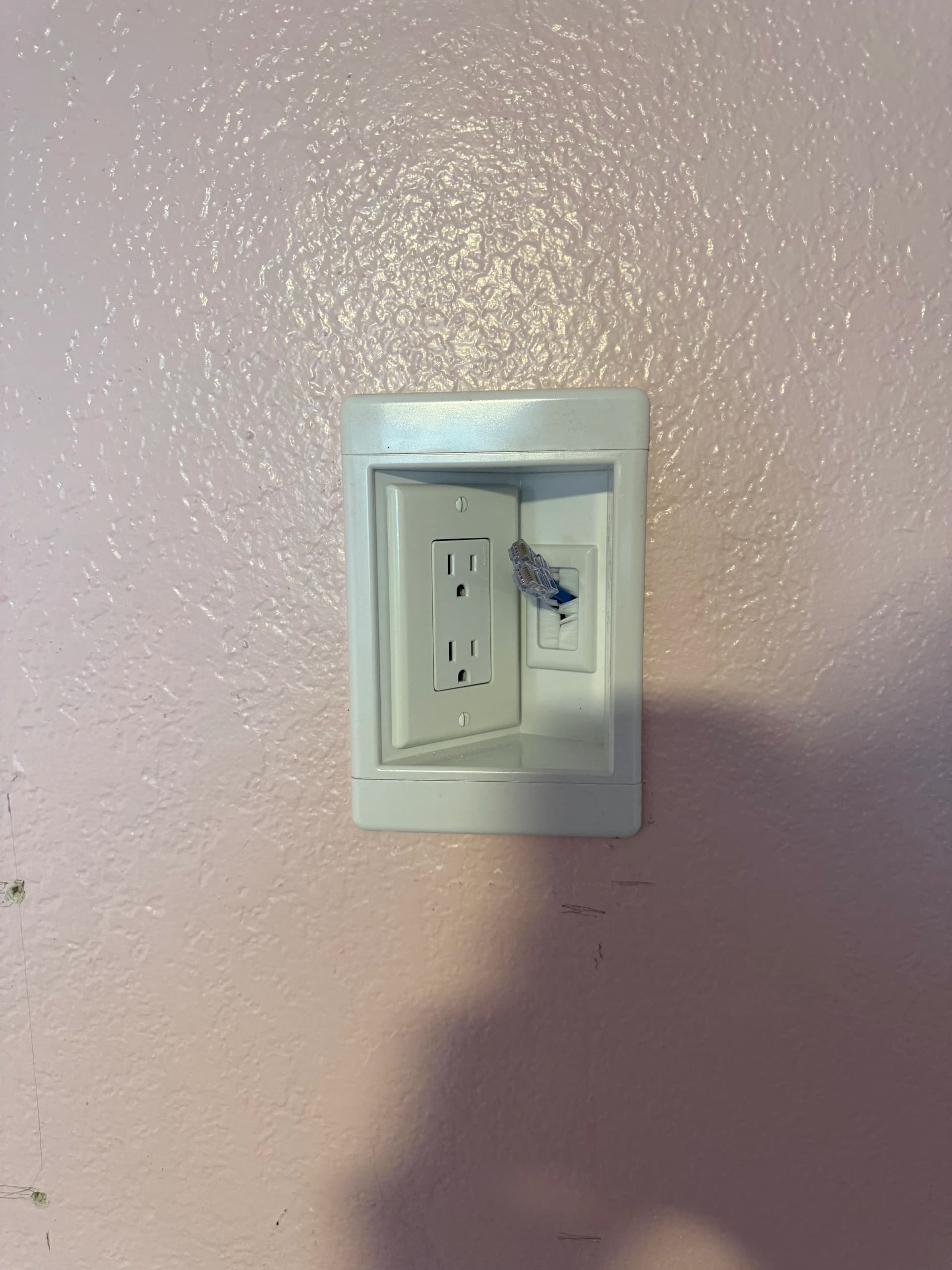
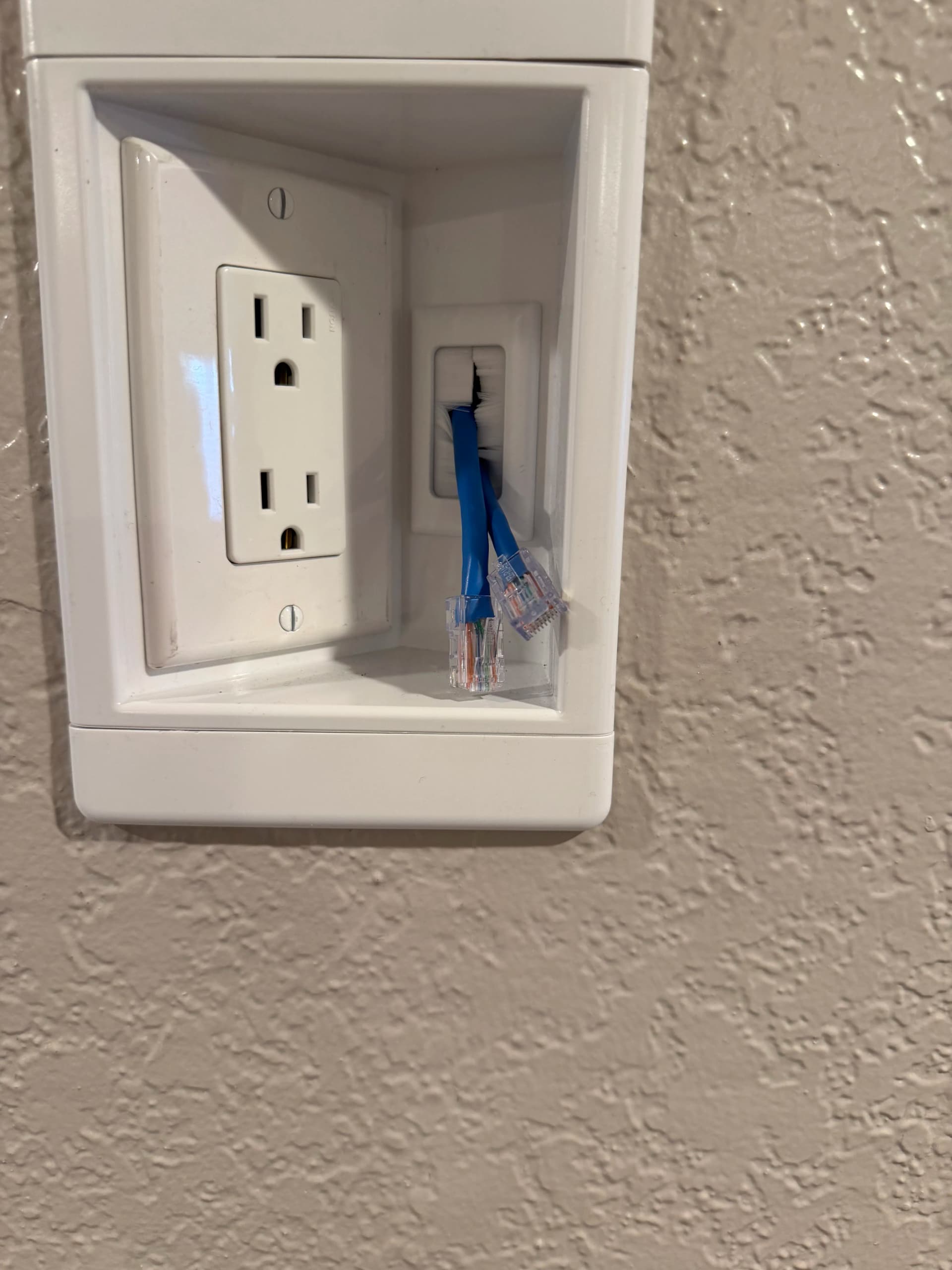
We ran new power and data lines so each display has exactly what it needs right at the wall. A dedicated outlet for power, a data port for a hard-wired ethernet connection. No extension cords. No signal lag from Wi-Fi. Just a clean setup that works the way it should from day one.
The recessed combo plates we used keep everything tight against the wall. Power and data side by side in one neat package - nothing sticking out awkwardly, nothing creating a tripping hazard. It's a small detail that makes a big difference in how finished everything looks once the TV or monitor is mounted.
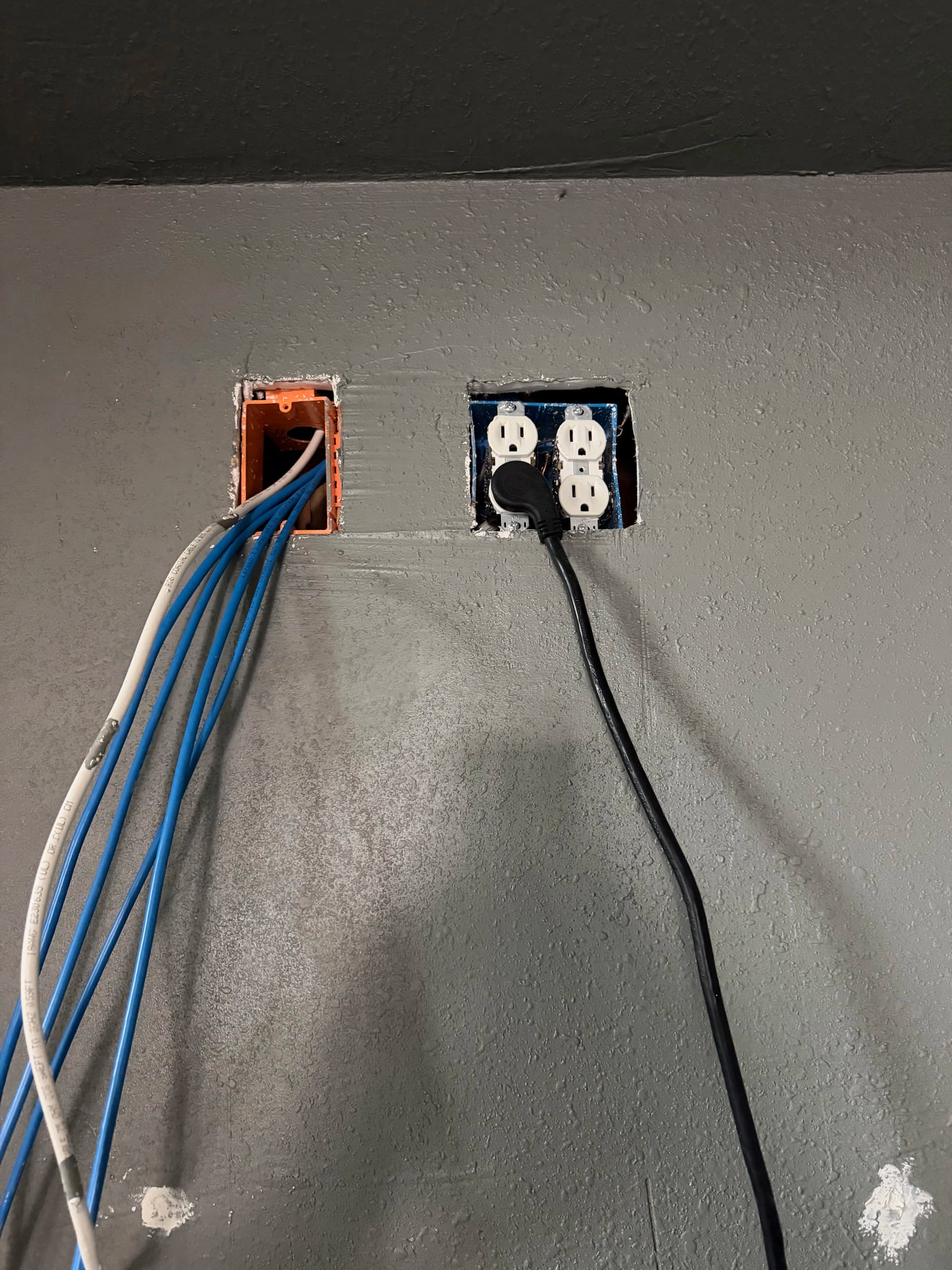
What you don't see is just as important - the new runs we pulled through the wall to get power and ethernet exactly where they needed to be. Getting that part right means the finished install holds up long-term and doesn't create headaches down the road. That's the kind of work we focus on whether it's a single screen or an entire room full of displays.